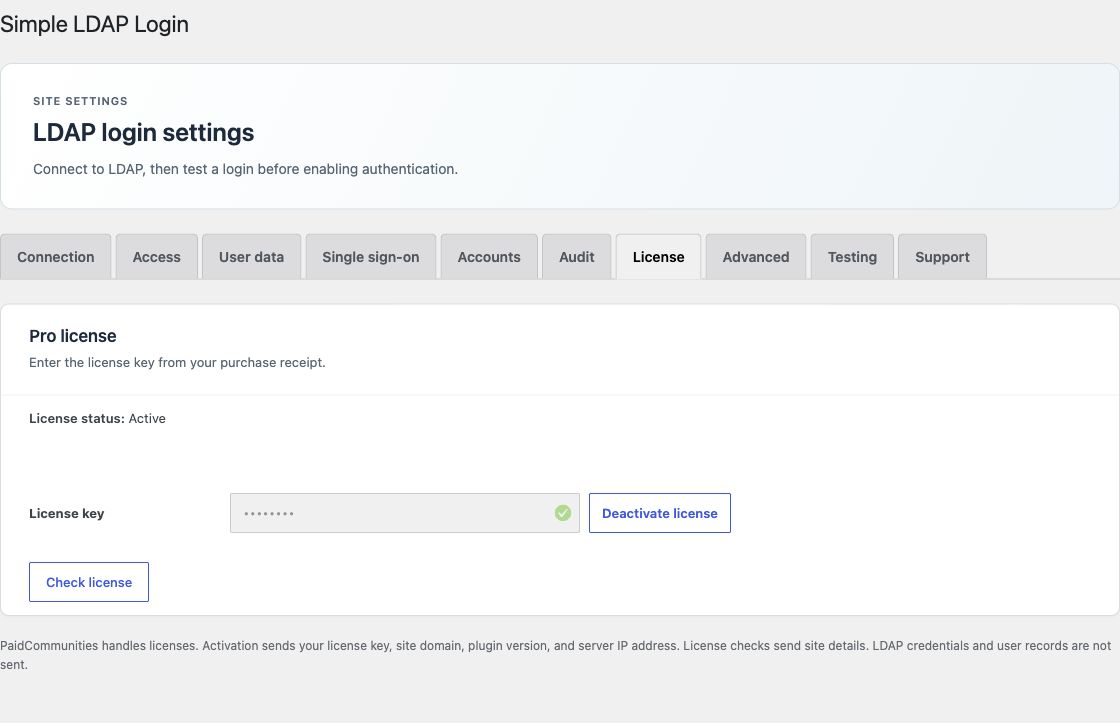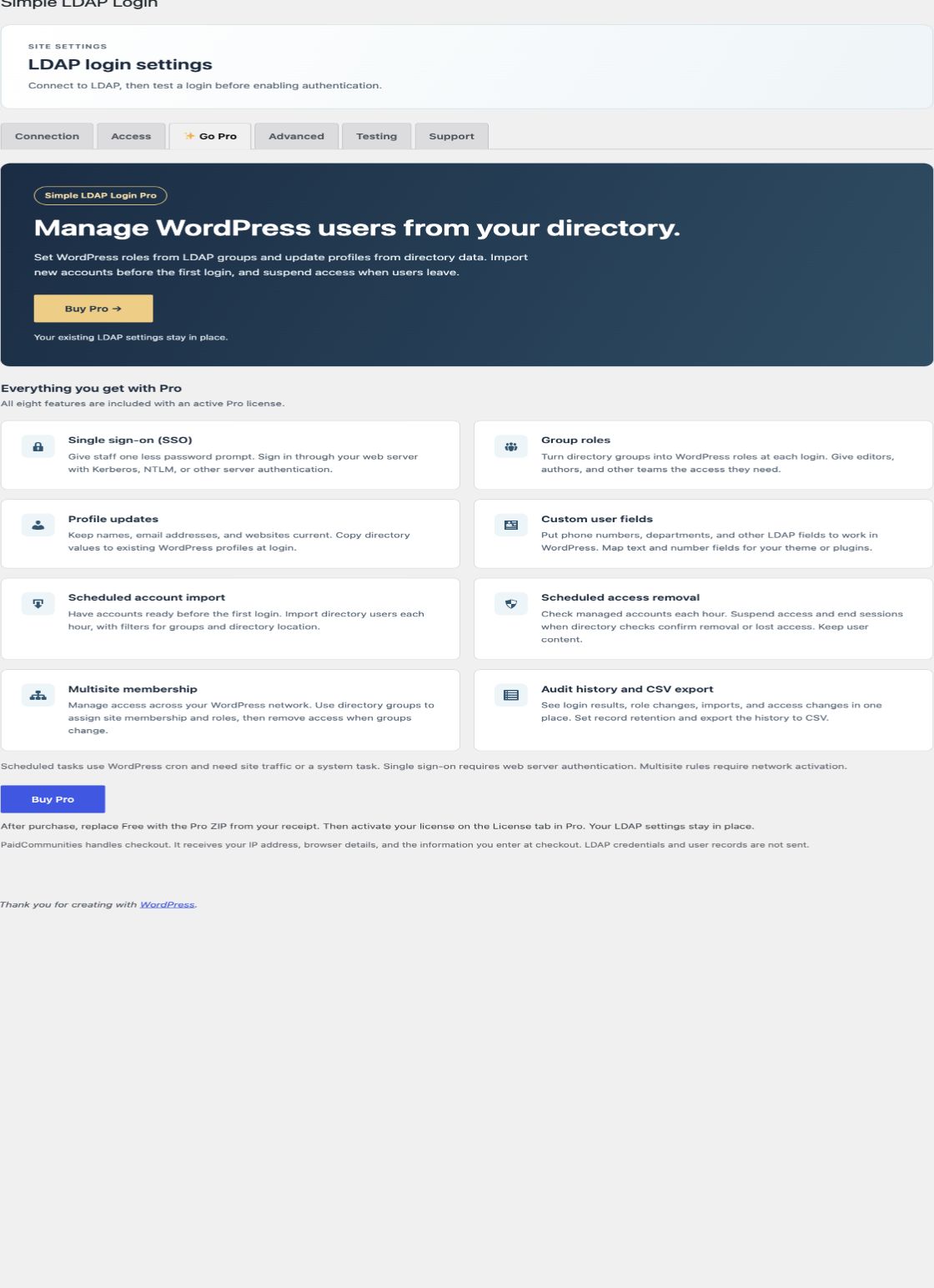
Free doesn't need a license. Pro and Enterprise are annual licenses for the same paid download, the Pro ZIP. The verified license decides which paid features can run.
Plans
| Plan | Annual price, 1 site | Paid features |
|---|---|---|
| Pro | USD 99 | Server single sign-on, custom user fields, group role rules, and profile updates at login. |
| Enterprise | USD 499 | Everything in Pro, plus scheduled account import, scheduled access removal and session removal, multisite membership rules, and audit history with retention and CSV export. |
Free's Go Pro tab lists both plans. Each purchase button opens PaidCommunities checkout for that plan. Checkout receives your IP address, browser details, and the information you enter there. Free has no license form and doesn't download or install paid code.
Install and activate
- Get the Pro ZIP and license key from your purchase receipt. The same ZIP is used for both plans.
- Install the Pro ZIP at the same
simple-ldap-loginplugin path. It replaces Free, and your LDAP settings stay in place. - Open License, choose Pro or Enterprise to match your receipt, enter the key, and activate it.
- Confirm the current plan shown on License, then enable the features you need. Activation alone does not turn every feature on.
The plan you choose selects the product used to register the site. Access always comes from the verified license response.
Move from Pro to Enterprise
With an active Pro license, the License tab shows Get Enterprise. It opens checkout for a new Enterprise license; it does not change or cancel the Pro subscription. After purchase, deactivate the Pro key, choose Enterprise, and activate the new key. Cancel or manage the Pro subscription separately in PaidCommunities.
If a site changes from Enterprise to Pro, the controls on Accounts and Audit are disabled and link to License. Their saved settings, audit records, and existing suspensions remain.
License states
| State | Behavior |
|---|---|
| Not activated | All paid features are off. |
| Active Pro | SSO, custom fields, group role rules, and profile updates can run. Enterprise features are off. |
| Active Enterprise | All paid features can run. |
| Plan not verified | All paid features are off. Select Check license to verify the plan. |
| Expired or inactive | All paid features stop. Saved settings, user data, audit records, and suspensions remain. |
| Renewed or changed plan | A successful license check applies the verified plan. |
| Service error | The last verified status and plan remain. An expired license stays expired. |
Base LDAP password login, account creation, group checks, and local recovery remain available in every state. Existing suspensions and directory identity checks remain enforced. Expiry does not end current WordPress sessions or delete user data, settings, or audit records.
Scheduled checks and site copies
WordPress checks the saved license status hourly through WP-Cron. Login uses that saved result; it does not call PaidCommunities. After a renewal or plan change, select Check license to update the status.
A site activation uses site options. A network activation uses network options and runs checks on the main site. A copy with a different configured site address needs its own activation. The service controls activation limits.
Activation data and storage
Activation sends the key, configured site domain, plugin version, and selected product to PaidCommunities. The service also receives the server IP address. The original license key is not stored. The site activation secret is encrypted with the same key source as the directory search password.
Deactivating the plugin keeps the saved license record. To release a site activation, select Deactivate license while the license service is available. Deactivating a site key does not cancel its subscription. A failed remote deactivation keeps the local record. Uninstall removes the record only when settings deletion is enabled.
All editions use GPL-2.0-or-later. Paid features require an active subscription for the matching plan.