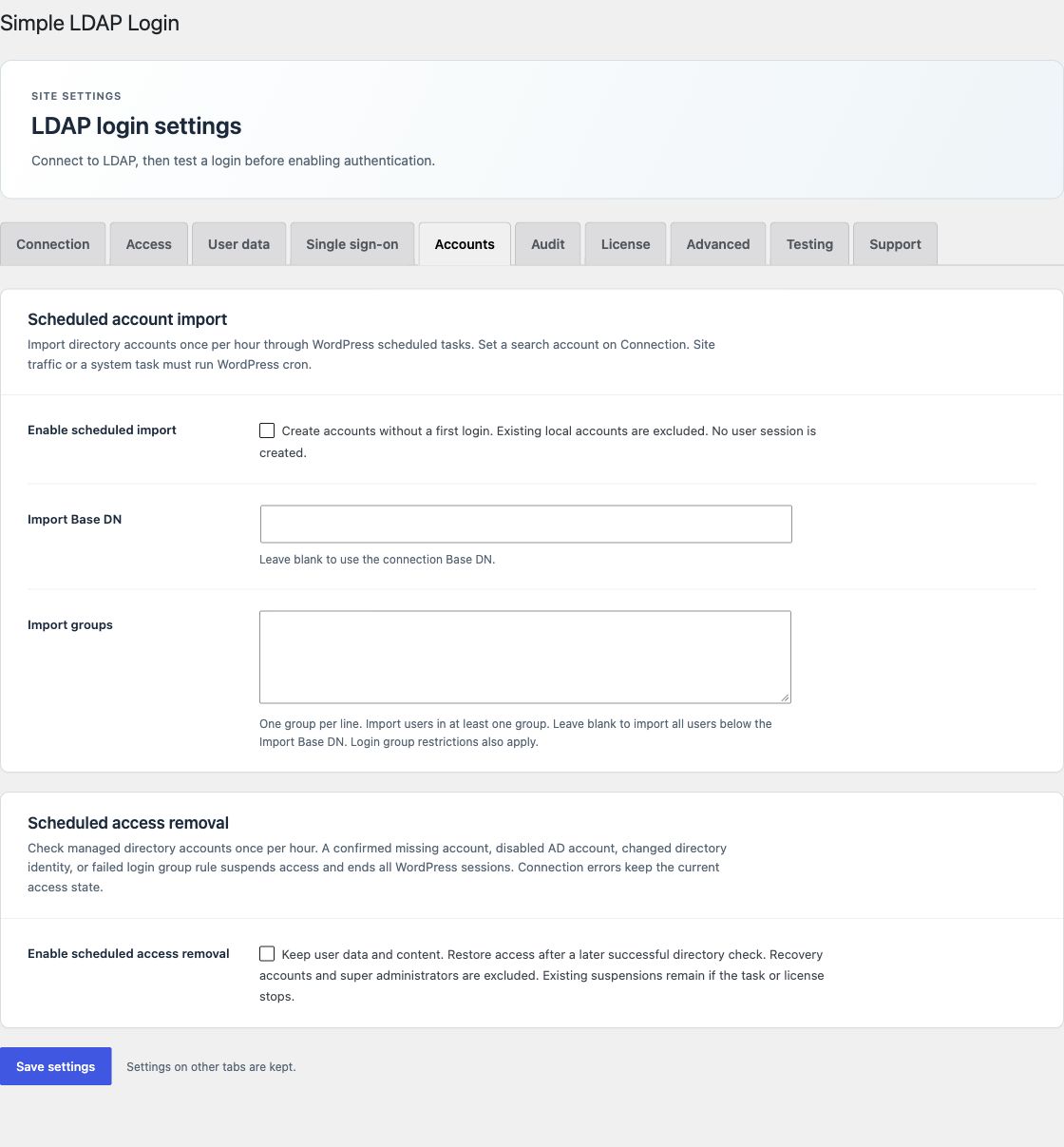
Scheduled import and access removal require an active Enterprise license and a directory search account. With a Pro license, the Accounts controls are disabled and saved settings are kept. Open Accounts to enable each task. Both tasks are off by default.
Import accounts before the first login
- Set a search account on Connection.
- Select Enable scheduled import.
- Set Import Base DN, or leave it blank to use the connection Base DN.
- Enter one group per line in Import groups, or leave the list blank to include users below the import base.
- Save the settings and make sure WordPress scheduled tasks run.
A user must match at least one import group when the list has entries. Required login groups also apply. New users receive a random local password and the default role. Group role rules or network membership rules also apply.
Import does not start a login session. It can create accounts even when automatic account creation at login is off. Repeat imports use the same accounts and run enabled profile and custom field updates.
Existing local accounts are excluded from import. A successful LDAP login can mark an existing account for later directory management. Selected recovery accounts and multisite super administrators are excluded.
Suspend access after a confirmed change
Select Enable scheduled access removal to check managed directory accounts once per hour. The task checks only accounts marked by a verified LDAP login or import in the current site or network scope.
A confirmed missing account, disabled AD account, changed directory identity, or failed required login group rule suspends access. The plugin ends WordPress sessions and blocks cookie and application password identities. User data and content stay in place.
Each lookup first checks the directory Base DN. A connection or search error keeps the current access state. The task does not treat a directory outage as account removal.
Restore access
A later check restores access when the same directory account passes the login group rules again. A directory rename can cause suspension until a verified login updates the saved DN and a later task passes. A changed identity is not accepted as the same person merely because the account name is the same.
Scheduled task requirements
WordPress cron needs site traffic or a system task. The interval is hourly, not immediate. Network activation runs these jobs on the main site only. Deactivation clears schedules.
Disabling the task or losing the license keeps current suspensions. The emergency recovery constant stops the suspension filters. Use audit history to review imports and access changes.