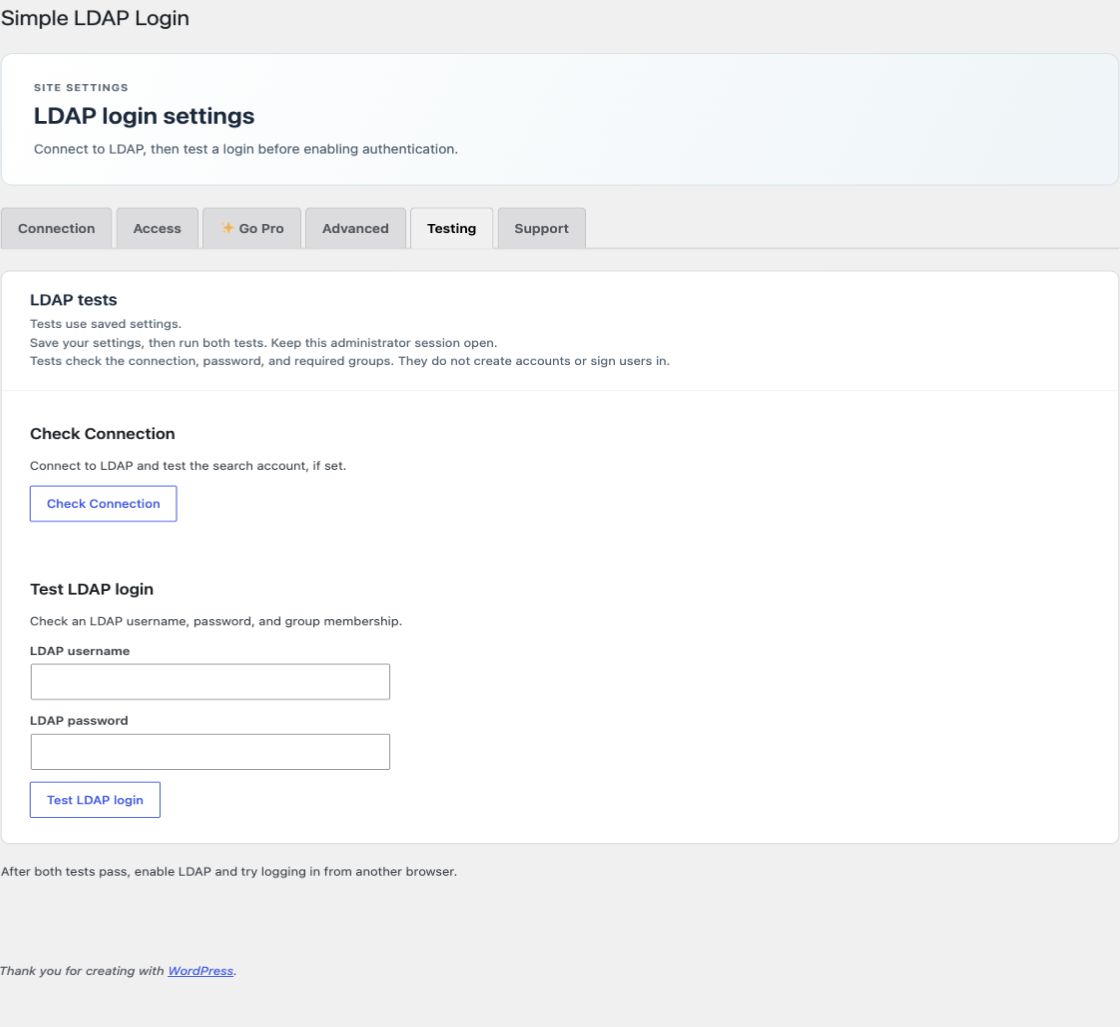
Open Testing. The tests use saved settings. Keep the administrator session open while you test.
Check Connection
- Save the Connection settings.
- Select Check Connection.
- Confirm that the connection test passes.
This test opens LDAP and checks the search account if one is set. It does not confirm that a particular user can log in.
Test LDAP login
- Enter a known directory username and password.
- Select Test LDAP login.
- Confirm that the login test passes.
This checks the password and required groups. It does not create accounts, update user data, or sign users in. It requires an administrator action and a valid request. Directory calls do not run just because you open the page.
If a test fails
| Result | Check |
|---|---|
| Connection fails | Server name, network access, port, TLS certificate trust, search account, and search password. |
| Connection passes; login fails | Username, exact password, directory type, Base DN, login attribute, required groups, and group attributes. |
| Valid LDAP login needs a WordPress account | Enable automatic account creation, or create the WordPress account first with the matching login name. |
| Search password cannot be read | Enter it again. Check OpenSSL and changes to WordPress salts or SLL_ENCRYPTION_KEY. |
| SSO does not start | Check the license status, REMOTE_USER, the trusted domain, the search account, and server paths. |
| Import or access check is late | Check WordPress cron, site traffic or system task, search account, and the saved license state. |
Run a real login check
After both built-in tests pass, enable LDAP login. In another browser, test a permitted account, an account outside required groups, and the local recovery account. Test role rules, profile updates, and SSO with a real login because the built-in test does not write user data.
For certificate errors, ask your host to install the correct directory certificate authority. Keep certificate checks enabled. For lost access, use the recovery procedure.
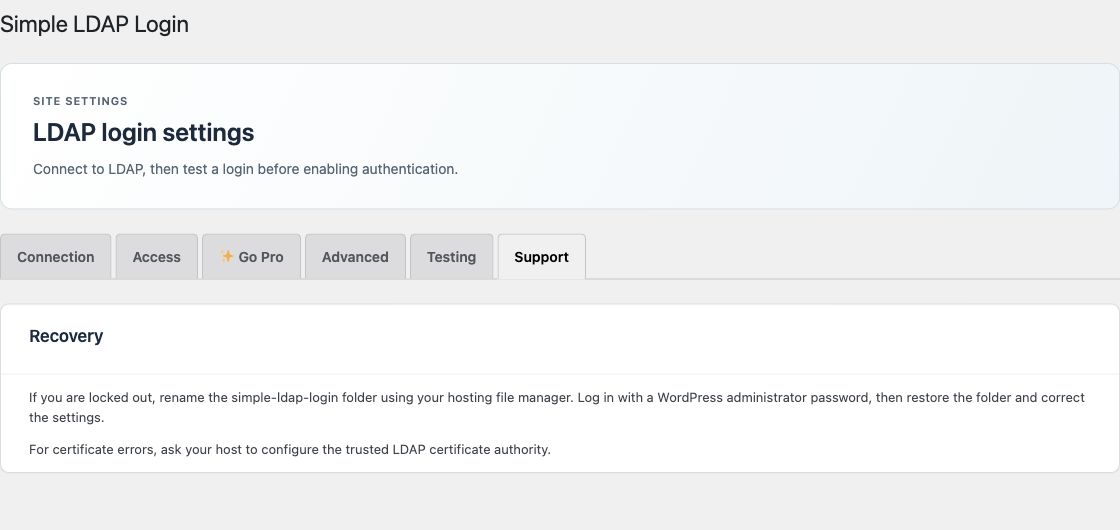
Use the Support tab
The Support tab has recovery instructions and certificate guidance. It does not send a support request. For help, use the support page. Don't include passwords, license keys, or private directory data in your message.