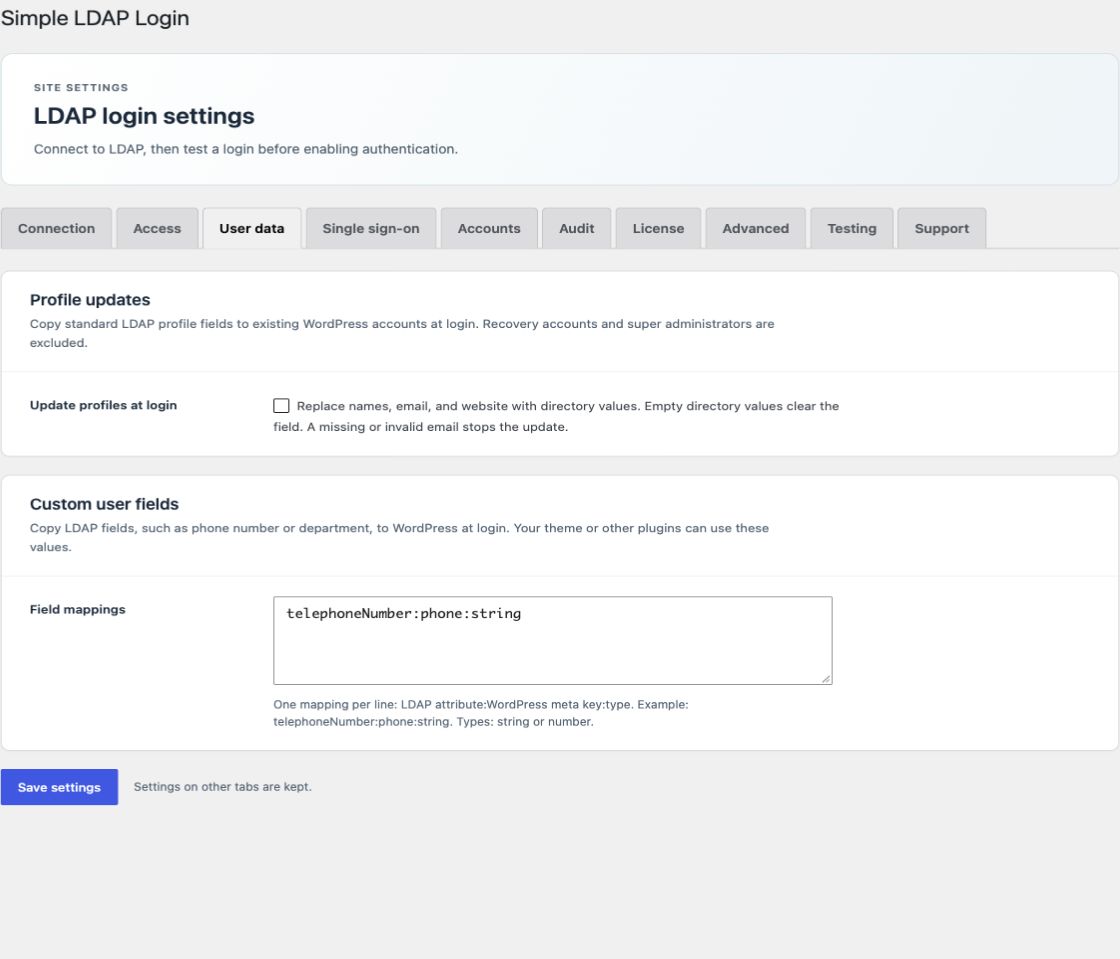
Standard fields in Free
When the plugin creates a WordPress account, it copies the configured directory values for first name, last name, email, and website. The display name uses the first and last name. If both names are empty, it uses the account name.
Open Advanced → Profile attributes to change the source attributes.
| WordPress field | Default LDAP attribute |
|---|---|
| First name | givenname |
| Last name | sn |
mail | |
| Website | wwwhomepage |
Attribute names must be valid LDAP attribute names. Use the names from your directory schema. These defaults apply to both directory types; the plugin does not select different profile attributes for OpenLDAP. Change the website attribute if your directory uses another field. Free does not overwrite standard fields on later logins.
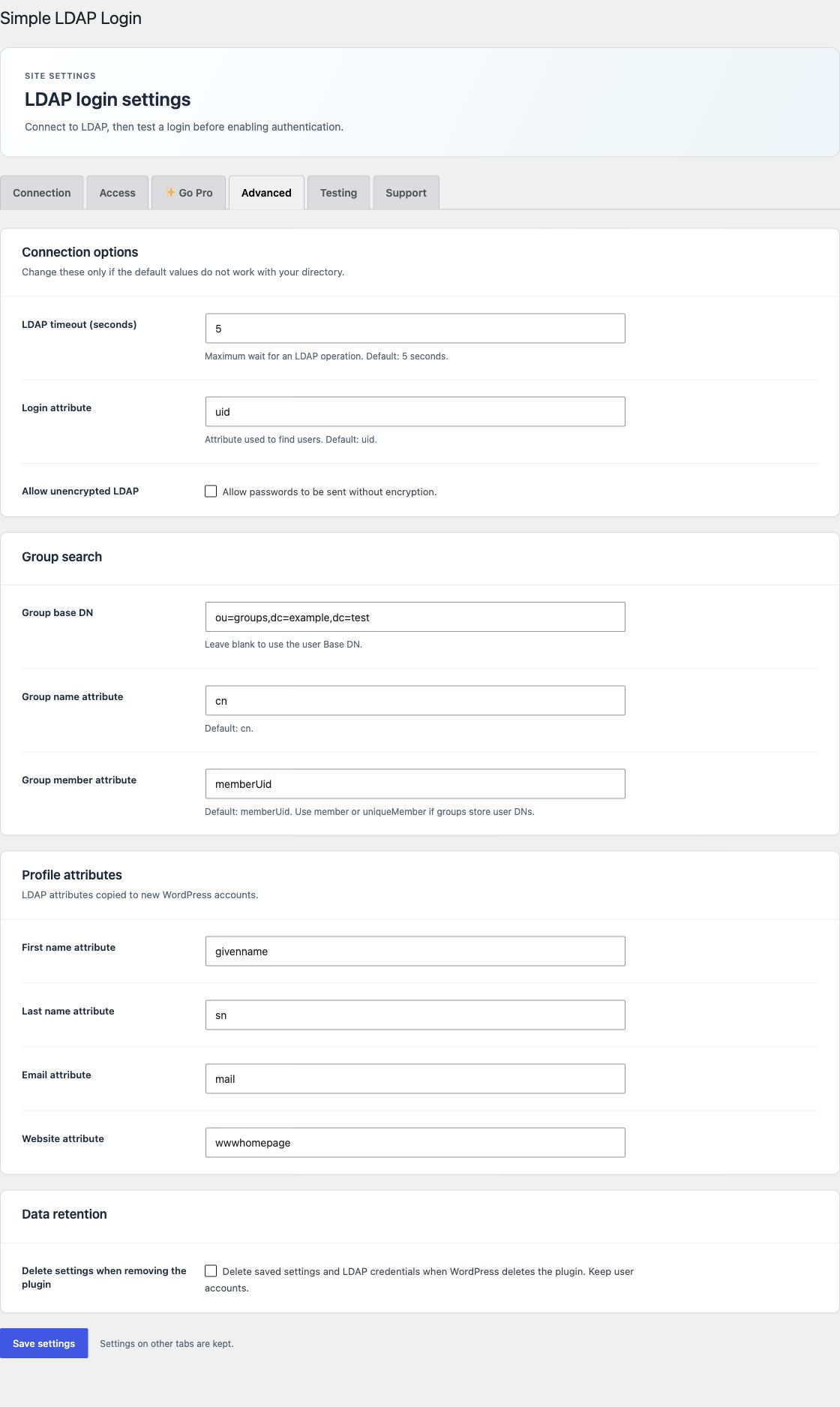
Update existing profiles with Pro
- Install Pro and activate a license.
- Open User data.
- Select Update profiles at login and save.
- Test a directory user with complete and valid profile data.
The option is off by default. When enabled, each verified login replaces first name, last name, email, website, and display name with directory values. Scheduled imports can also run the update.
An empty directory value clears a name or website field. A missing or invalid email stops the profile update. A WordPress update error, including a duplicate email, keeps the current profile. Account names and passwords do not change.
Selected recovery accounts and multisite super administrators are excluded from standard profile updates.
Additional user attributes
To copy department, telephone number, or other directory data, use custom user field mappings. A theme or another plugin must display or use those fields.